Are you planning to move the data from your old Windows PC to your new Mac? Thanks to numerous improvements Apple has implemented over the years to its desktop OS, migrating your data has now become a much simpler process. Through the macOS Mojave Migration Assistant, you’ll be able to import a large part of your files and have them working smoother than butter.
Businesses are always looking for ways to save a bundle without sacrificing growth. For a while, they believed that they had to buy workstations with their own processing power, RAM, and hard drive. But thanks to virtualization, companies can increase their revenue and get the computing processes they need with thin and zero clients.
Google Chrome is the most popular web browser in the world with over 2 billion installs, 1 billion users, and 53% share of the market. Its speed is one of its most notable advantages over other existing browsers, as well as one of the reasons why it’s preferred by most netizens.
When you spend more than eight hours a day staring at a computer screen, it can be easy to lose focus on important tasks. While you can access some of the most useful applications through your computer, an ever-growing number of distractions are vying for your attention.
Ransomware is not just for computers anymore. Malicious software that can hold Android-running smartphones hostage is growing in number. With that in mind, here are some facts about ransomware, and how you can protect your device from it.
How does ransomware make it onto your Android device?
Like its desktop equivalent, mobile ransomware needs to be installed on your device before it can do damage.
Office 365 just keeps getting better and better. Check out how these new and upcoming enhancements can improve productivity.
Office
Write and draw with digital ink
Typing is easy on desktops and laptops, but when you’re on touch-enabled devices, keyboards are cumbersome to use, whether they are extra hardware or as space invaders on your screen.
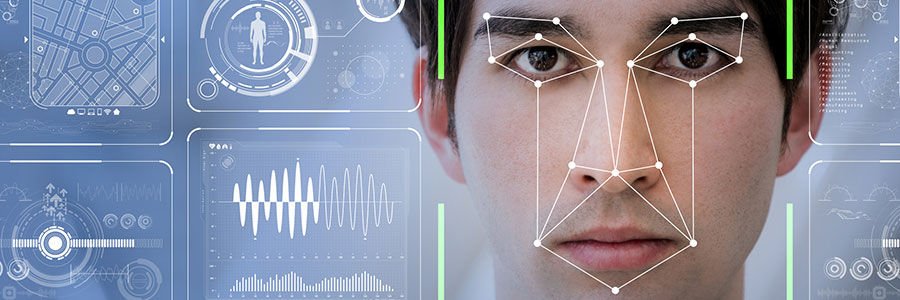
You can now log in faster and more securely to your laptop, tablet, websites, or apps with Microsoft’s Windows Hello. You only have to use your camera to recognize your face or a fingerprint reader.
Say hello to fingerprint, iris, and facial scans
Windows Hello is an advanced biometric identity and access control feature in Windows 10. It allows you to log in to your computer without the need to enter a password.
For years, we’ve been told that strong passwords include three things: upper- and lowercase letters, numbers, and symbols. And why wouldn’t we when the National Institute of Standards and Technology (NIST) told us they were the minimum for robust passwords? Here’s why not and how it involves you.
Your Mac is unusually slow and you want to know why. Perhaps it started to become sluggish when you installed macOS Mojave, or it could be because you’re running out of disk space. Let us help you troubleshoot the issue — just follow these tips.
Clean up your Login Items
The Login Items list (or “Startup List”) contains all the apps and programs that automatically start when you log in.
While mobile devices cannot equal what desktops and laptops can do, they’re inching pretty close to matching them. That’s why businesses are allowing their employees to use their smartphones and tablets, which help increase productivity and enhance collaboration.