If you use an Android device with a data plan, it's important to be able to control the data you spend on downloads. Without careful consideration, you could end up with a decreased battery life, slower connection speeds, and higher bills. Here are five ways to avoid those problems.
Most employees are heavily reliant on their smartphones to contact clients and coworkers as well as work on the go. So if your iPhone runs out of battery, it can significantly hinder productivity and communications. However, you can easily avoid this outcome by following the six simple tips we’ve compiled below.
Some things come in pairs, including glasses, shoes, and, for busy office workers, computer monitors. Using two monitors at once may seem unconventional for some, but doing so has a lot of advantages. If you’re hesitant about your employees using two monitors simultaneously, perhaps these benefits will change your mind.
Microsoft Word remains one of the world’s most popular and user-friendly productivity apps, widely used by businesses and individuals alike. But while millions of people use Word every day, many don’t know how to maximize its full potential. Take a look at some tips and tricks you can use to get the most out of Word.
Moving to the cloud can save your business a lot of money, which explains why the technology is so widespread. But what many business owners fail to realize is that some cloud services come with hidden costs. And while these costs may seem insignificant at first, they can add up to a staggering amount if left unchecked.
Marketing automation has become an essential part of every business’s marketing strategy.
Thanks to innovations in IT, business marketing tools have become more affordable for small retailers, online sellers, and other mom-and-pop operations. Don’t pass up the opportunity to maximize all the marketing automation tools available that can increase your leads and give you these benefits.
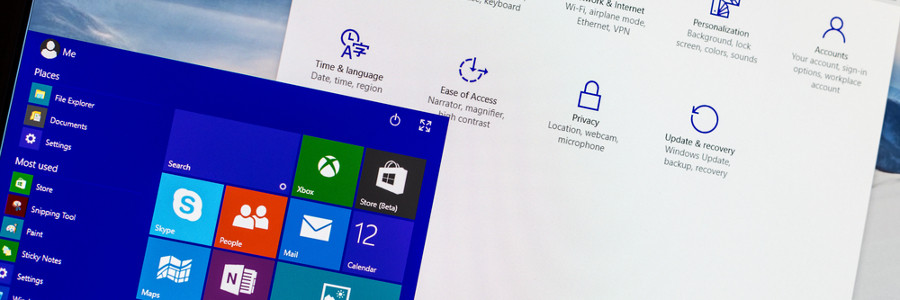
Just like its predecessors, Windows 10 is designed to provide a personalized experience to its users. It offers many ways in which you can change your PC’s interface — how it looks, and even how it can be accessed. Here are some Windows 10 customization features you have to try.
Everyone uses email to send and receive sensitive information, making it an attractive target for cyberattacks. The importance of email security is vital to your company’s operations, so applying the following tips can dramatically reduce your exposure to hackers and malware.
One of the top considerations in choosing where to work with your laptop is the availability of a power socket. If you are not lucky enough to find an available outlet, you’ll have to depend on your laptop’s battery — assuming it still has enough power after your last charge.
There are three communication and collaboration tools in Microsoft 365 that provide basically similar solutions for the same problem: Outlook Groups, Yammer, and Microsoft Teams. However, they all have subtle differences that set them apart from one another.