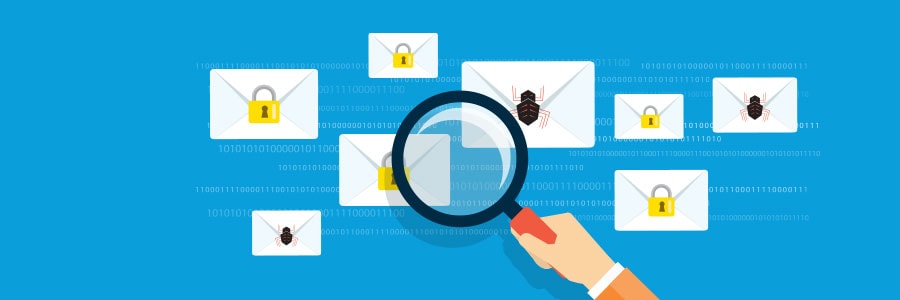
You wouldn’t think that cybercriminals would carry out their nefarious schemes in plain sight — except that they do and you’ve probably already fallen victim to them. Learn all about a scheme called distributed spam distraction (DSD) and how malicious actors are using it to steal valuable information from their victims.
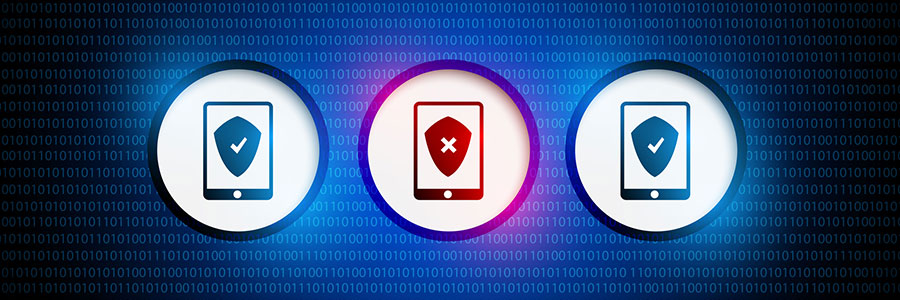
Because the Android operating system is open source, it’s easy for programmers to customize it and develop apps for it. But its main strength is also a weakness — criminals can easily access programming codes, find vulnerabilities, and distribute malware through Android apps.
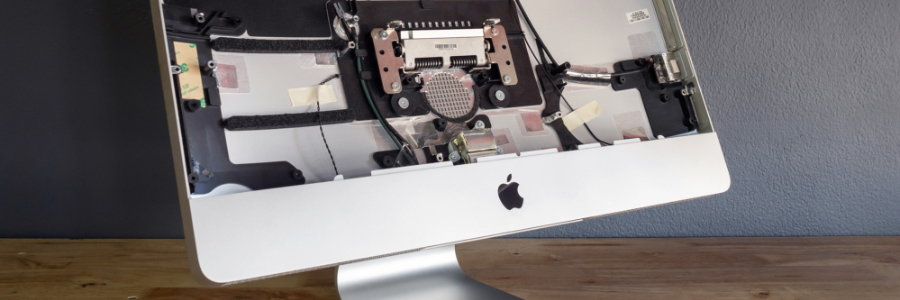
Remote work arrangements have become the new norm for many employees. If you’ve been working from home using your Apple desktop or laptop without a second monitor, here’s some good news: you have several options for external monitors — including your TV.
First, check what displays your Mac device supports by doing the following:
Click the Apple Menu (located on the left-hand side of the screen). Then click Support > Specifications.
So you’ve just unboxed your brand new laptop — what do you do next? Before you start using it to surf the internet or finish your tasks for the day, take these steps to optimize its performance and ensure it meets your needs.
1. Update your laptop’s operating system
One of the first things you should do before using your laptop is to update its operating system (OS). Assuming you did not purchase the laptop when it was first released, it will still be running an older OS. Because important patches and fixes are released with each new update, you must install the latest ones to ensure your laptop doesn’t have vulnerabilities that malicious third parties can exploit.
Gmail’s email management interface is a crowd favorite, owing to its pleasant aesthetics and intuitive design. But did you know that you can still take your Gmail experience up a notch? Try the following tricks.
Undo Send
In the fast-paced world of business, mistakes happen.
Disaster recovery (DR) used to be an expensive solution that relied predominantly on tape backups. Today, cloud computing has dramatically changed the DR landscape, affording even small- and medium-sized businesses cheaper and more reliable DR solutions.
The latest iteration of Windows’s default web browser was built from the ground up using the same code as Google Chrome. It’s a similar yet entirely different browser that offers faster loading times, improved security and support, and better compatibility with websites and extensions, among other outstanding features.
In 2003, the National Institute of Standards and Technology (NIST) stated that strong passwords should consist of upper- and lowercase letters, numbers, and symbols. Recently, however, the institute reversed its stance. Find out why and learn what their new recommendations are for creating strong passwords.
Are you still hanging on to your old work computers since they “still work fine”? While they may still help you get the job done, their outdated firmware can make you vulnerable to security risks that can lead to major problems.
What is firmware?
Firmware is a basic type of software that is embedded into every piece of hardware.
Microsoft Outlook comes with a raft of features that make managing your busy schedule and boosting your productivity easier. If you find Outlook’s myriad capabilities a little overwhelming, don’t worry — these tips and tricks will have you using Outlook like a pro in no time.