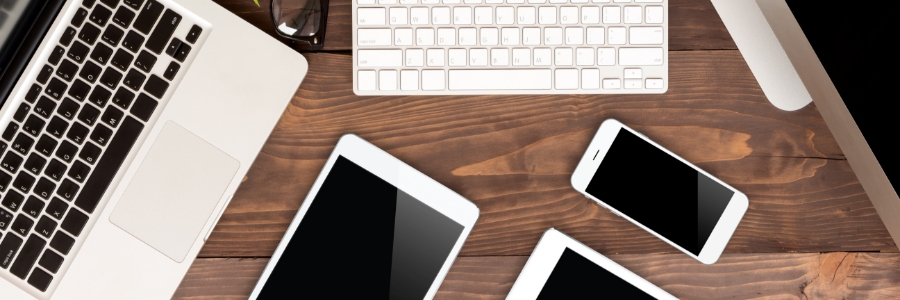
Has your Mac been acting strangely lately? Are you seeing strange pop-ups or advertisements, or are your applications taking longer to load than usual? These could be signs that your Mac has been infected with malware. Keep reading to learn more about the symptoms of malware infection so you can keep your Apple computer safe.
If you want to be more productive on your Mac, adding a second monitor is the best solution. You’ll be able to work on large spreadsheets and compare documents side by side more easily without cluttering up your primary screen. Follow these steps to connect your Mac computer to an external monitor.
If you’re a business owner who relies on text messages to communicate with employees, clients, or customers, it’s essential to ensure the privacy and security of your messages. Unfortunately, there are many ways for others to go through your texts if they have access to your mobile phone.
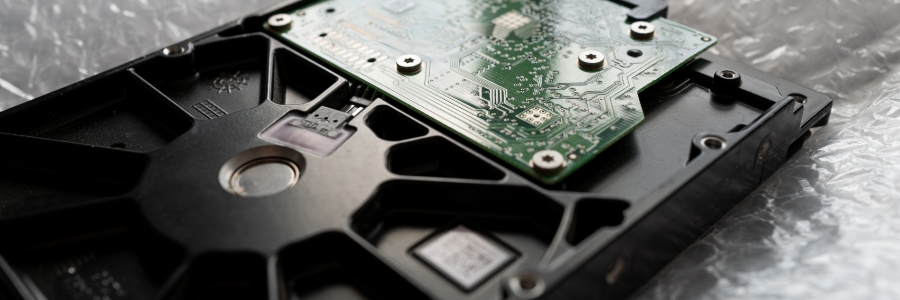
Solid-state drives (SSDs) are fast becoming the standard for data storage because of their many advantages over hard disk drives (HDDs). Here are the top five reasons SSDs are better than HDDs for Macs.
SSDs are more reliable
All types of disk drives are more likely to fail with age, but SSDs are more resistant to age-related degradation than HDDs. This is because most modern SSDs use NAND flash memory, which is not as susceptible to the wear and tear that HDDs experience with their spinning disks.
Only Apple-approved apps found in the App Store can be downloaded and installed onto iPads and other Apple devices. Users who want to install apps not authorized by Apple often resort to jailbreaking their devices. What exactly is jailbreaking, and what are its effects on your iPad? Read on to find out.
Some Mac users have been using their devices for years and still do not know many of the keyboard shortcuts designed to make users’ lives easier. Here are some of the most helpful ones users like you should learn.
Minimize or dock the front app window: Command + M
If you have several open apps, browsers, and Finder windows, use this shortcut to minimize the front window to the Dock.
If you’re working out of the office or house, you never want your iPhone to run out of battery. A dead smartphone can mean missing important calls and being unable to send crucial updates to the team. But with the tips below, you can avoid these issues in the first place.
Even though Apple devices are less customizable than their Android counterparts, new iPads have dozens of settings to configure. Tackling the most important ones takes only a few minutes if you know where to start. Check out our recommendations for the top five most useful iPad settings.
New strains of ransomware usually impact many Windows users, while only a small percentage of Mac users get affected. However, there are ransomware strains that specifically target Apple computers. Boost your defenses against these threats by following these security tips.
There are several ways to transfer data from a Windows PC to a Mac. You could save your files to an external hard drive, share them over your network, or sync them up to the cloud. There’s also Windows Migration Assistant, a special utility that Apple created to easily and seamlessly import data from Windows to Mac.